Your User Guides for Microsoft Dynamics 365 Business Central
Business Central
Apps
About
Log in
Menu
Business Central
Apps
About
Log in
Tags
Videos tagged with "Advanced"
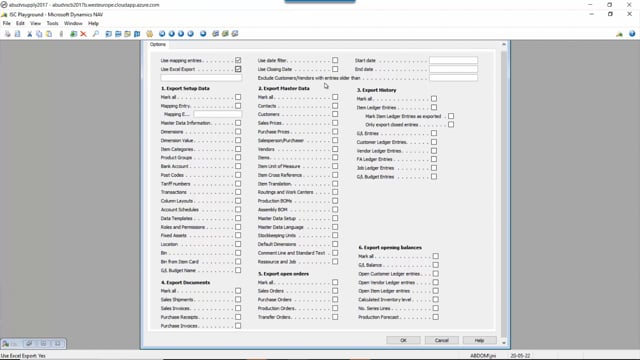
Export Tool – Export Mapped data to Excel
Export Tool – Export Mapped data to txt
Export Tool – Export Mapped data with date filters
Export Tool – Export Mapped data to folder
Export Tool – Export Vendors and Customers based on entry dates
Export Tool – Prerequisites before export opening inventory
Export Tool – Export Asset Entries as Balance of all Entries
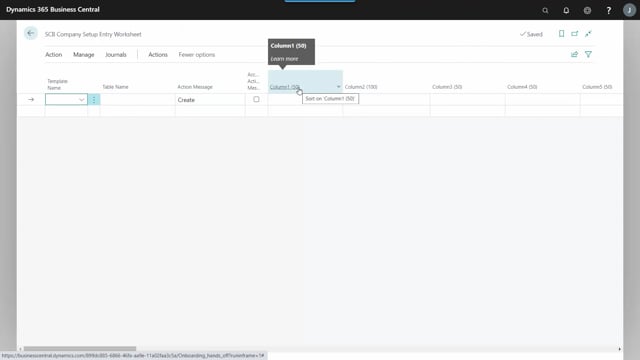
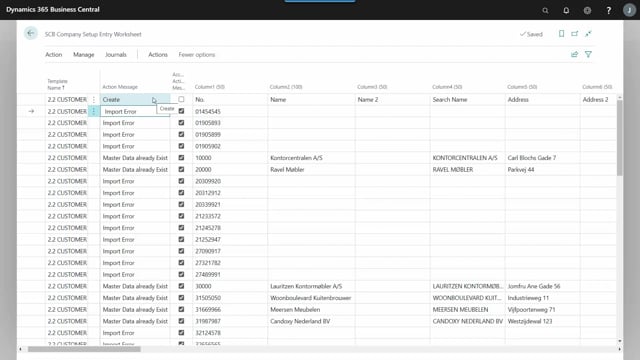
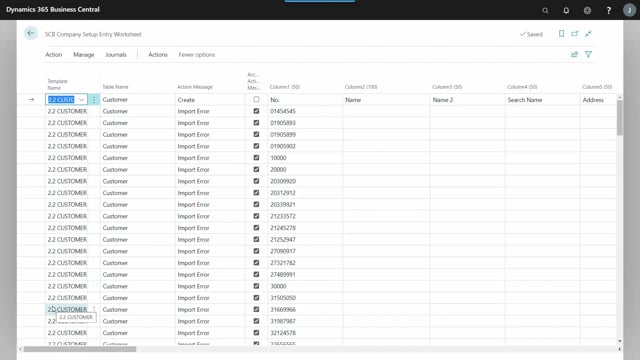
Import Tool – The import worksheet window
Import Tool – Which data can be imported?
Import Tool – All fields are text fields, with fixed defined column definition
Import Tool – Test move with fewer lines
Import Tool – Import of Customer, item etc
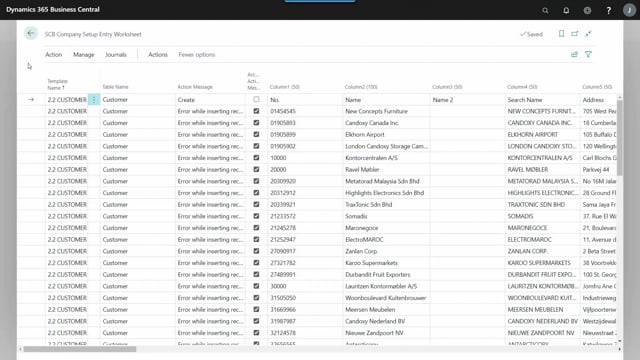
Import Tool – Carrying out the Worksheet line, to insert in the database
Import Tool – Advanced import (Slowly)
Import Tool – Add or overwrite Master Data
Import Tool – Handle errors as they come
Import Tool – Search and replace in the import worksheet
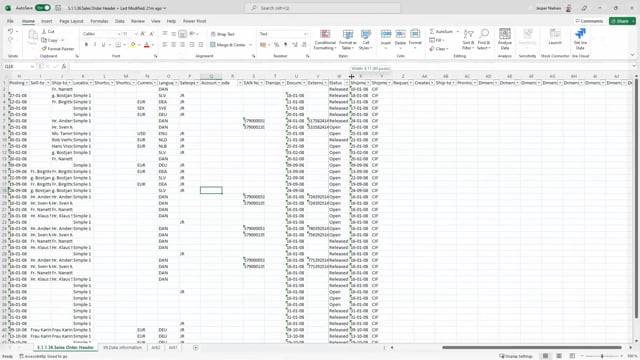
Import Tool – Importing from Excel or with XML port
Import Tool – Prerequisites before importing Open Orders
Import Tool – Importing Open Sales order
Load More