
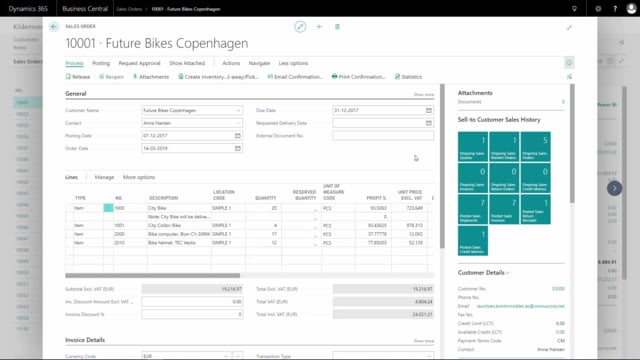


With Dynamic Reports in Business Central, you can print documents using a different logo than the one defined in your company information. This is useful when you operate under multiple brands or send documents on behalf of different business units.
You control which logo appears by selecting a layout code on the print confirmation. Each layout code can have its own logo uploaded to it, and the printed document picks up the logo from the layout code you choose.
Printing documents with an alternative logo in Dynamic Reports
By default, Business Central uses the logo defined in your company information when it prints documents. Dynamic Reports gives you the option to override this, so you can use a different logo on a specific document without changing your company setup.
How to select a different logo when printing
The process is straightforward:
- Click Print to open the print confirmation.
- Select the layout code where the alternative logo has been defined.
- Click OK and print the document.
The logo is uploaded to the layout code beforehand, so once you pick that code, the document is generated with the correct logo automatically. In this example, the printed document shows the BikeMaster logo instead of the standard company logo.
Q&A
Can I print a document with a different logo than the one in company information?
Yes. With Dynamic Reports in Business Central you can print documents using a logo other than the one defined in your company information.
How do I choose which logo appears on a printed document?
You select a layout code on the print confirmation. The logo uploaded to that layout code is used on the document when you print it.
Where is the alternative logo stored?
The logo is uploaded to the layout code itself. When you select that layout code during printing, the document uses the logo attached to it.