Your User Guides for Microsoft Dynamics 365 Business Central
Business Central
Apps
About
Log in
Menu
Business Central
Apps
About
Log in
Tags
Videos tagged with "Beginner"
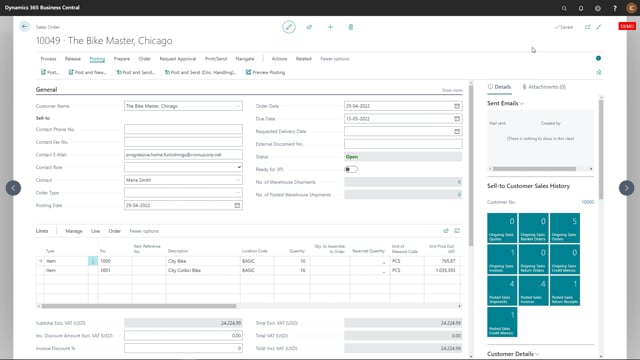
Editing email before sending
Post and Send e-mail
Send email
Document Handling User setup
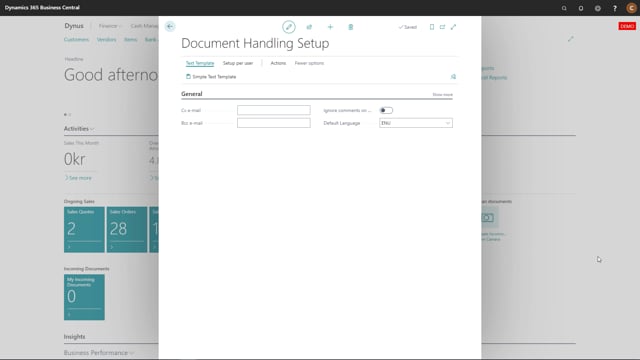
Document Handling Setup
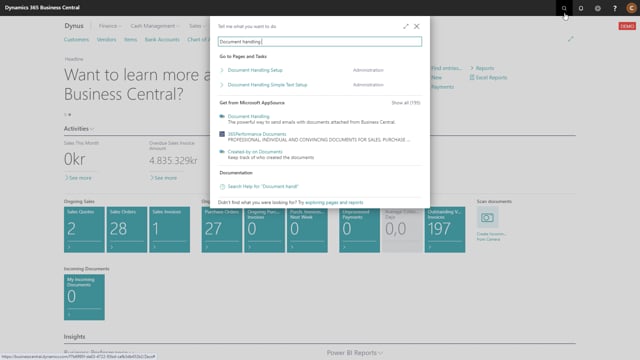
Activating Document Handling
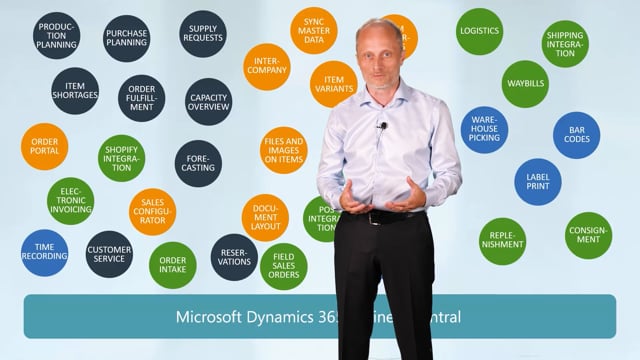
The challenge of using many Apps
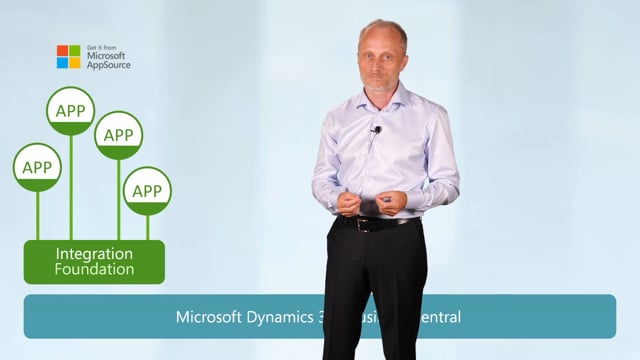
Introduction to App Foundations
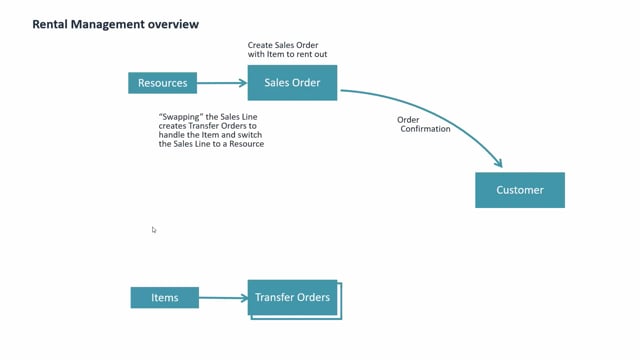
A generel introduction to Rental Management
Rental management uses Sales Orders for invoicing and Transfer Orders for Inventory handlings
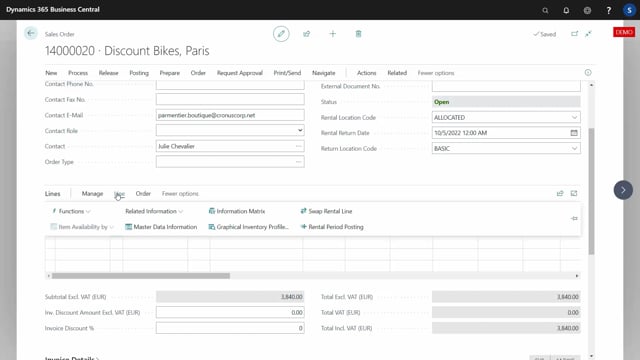
Rental Relation Lines creates links from Sales Orders to Transfer Orders
Using Transfer Orders makes it possible to use standard Warehouse functionality
Using Transfer Orders makes it possible to handle the rented Items availability
An invocing batch job will invoice the rented out items per rental period
Being able to handle Items, rented to Customers, with standard Business Central Inventory functions
Using standard Business Central functionality for smart Invoicing, avoids extra manual processes
Using standard Business Central functionality to handle availability and booking of Rental Items
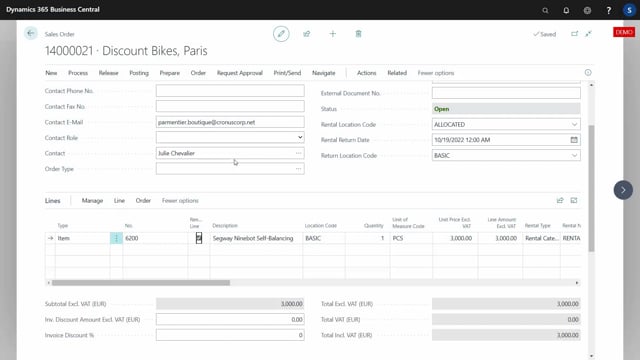
Being able to handle Rental Items on Home Location, Rental Location and Return Location for better planning
How to install Rental Management from App Source and activate the functionality in Business Central
The minimum required setup that is necessary to get started with Rental Management
Load More