Your User Guides for Microsoft Dynamics 365 Business Central
Business Central
Apps
About
Log in
Menu
Business Central
Apps
About
Log in
Tags
Videos tagged with "Beginner"
Explaining the Proces in Rental Management
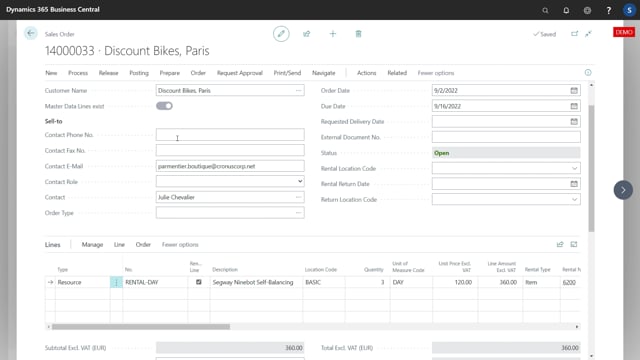
Creating Sales Orders and Swapping the Sales Line to Rental lines
Handling the Item Shipment on a Transfer Order starts the Rental Period
How to Invoice Rental Item Lines with a batch job
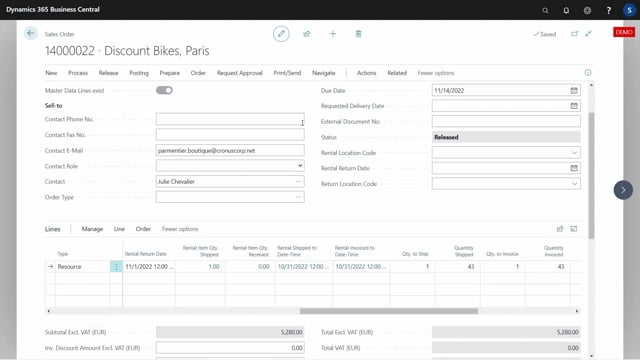
Invoicing Rental Items Lines every month, automatically postpone the Rental Period
Recieving returned Rental Items ends the Rental Period
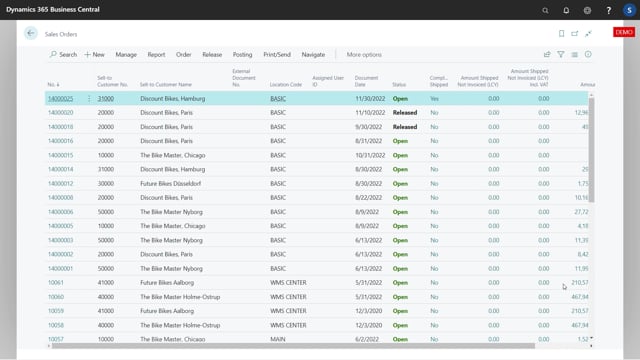
Finishing the Rental Job and viewing the different posted documents
Creating a simple Sales Order with short Rental time, with only one Transfer Order
Creating a Sales Order using two Transfer Orders to handle the Items
The relevant fields on the Sales Order Line that relates to Rental Management
It is possible to swap the Sales Line automatically on releasing the Sales Order
It is possible to mix Rental Items and normal sold Items on the same Sales Order
How to use Serial Numbers with Rental Items
When shipment is posted on the outgoing Transfer Order, the Rental Period starts
If two Transfer Orders is used, the receipt on the Outgoing Transfer Order should be posted on arrival
The Rental Period Post, updates the Sales Line and can post Shipment and Invoicing
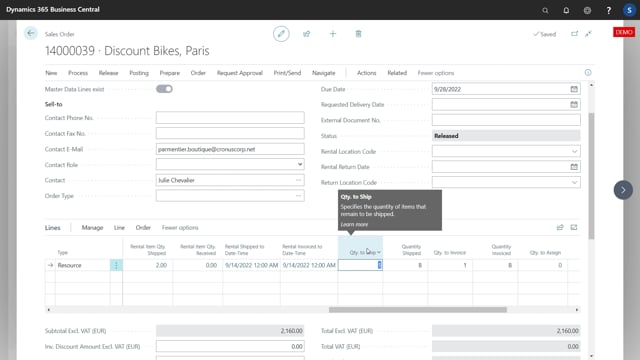
How to ship the Transfer Order and invoice the Sales Order in advance to the Rental Period
The Quantity Shipped reflects the Total Rental Unit periods
Rental Management configuration starts with setting up Resources
Rental Categories is used to setup Rental Unit Types
Load More