Your User Guides for Microsoft Dynamics 365 Business Central
Business Central
Apps
About
Log in
Menu
Business Central
Apps
About
Log in
Tags
Videos tagged with "Advanced"
Step 7: Go live
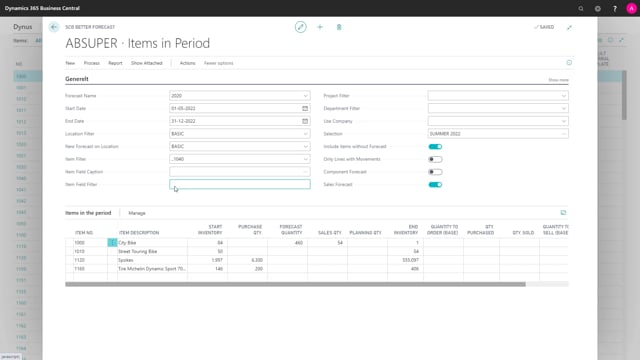
A flexible view that include Forecast and Planning lines, Open or Released Orders and more
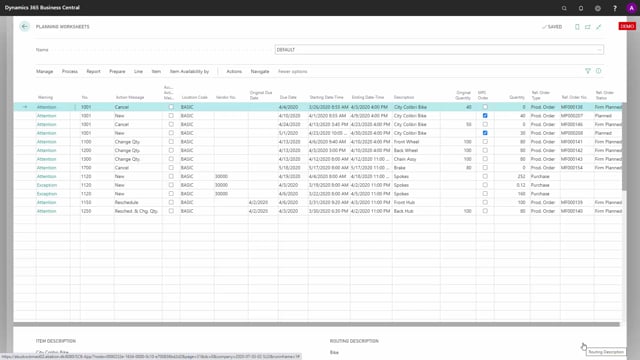
Using Graphical Inventory Profile to explain Planning Lines in the Planning Worksheet
Using Graphical Inventory Profile to support the App Reverse Planning
Using Graphical Inventory Profile to support the App Flexible Forecast
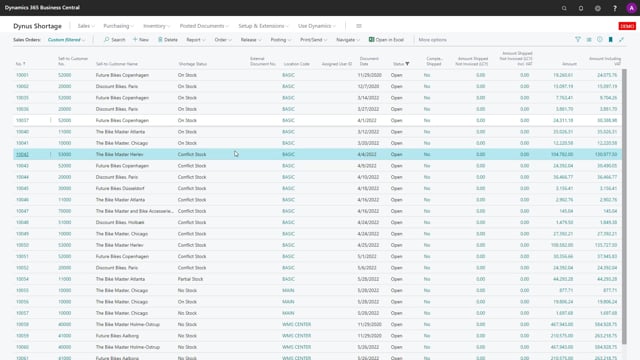
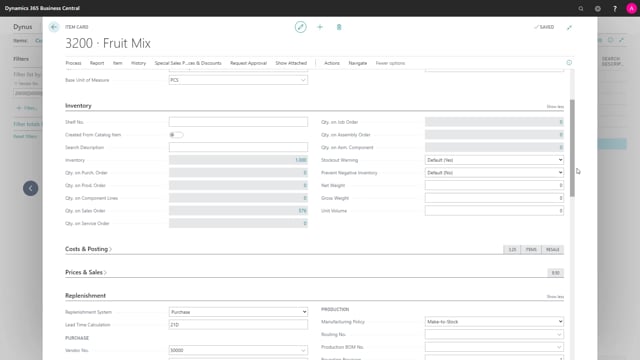
An overview of the fields on the Shortage Status Report
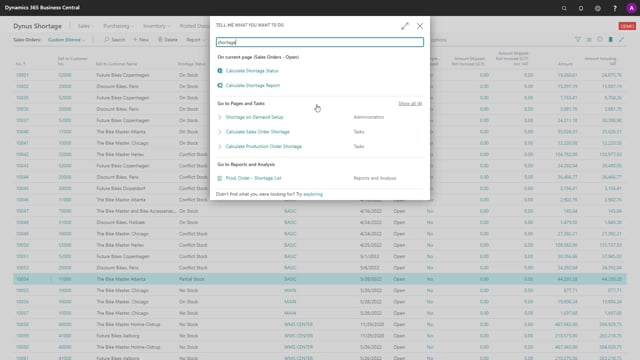
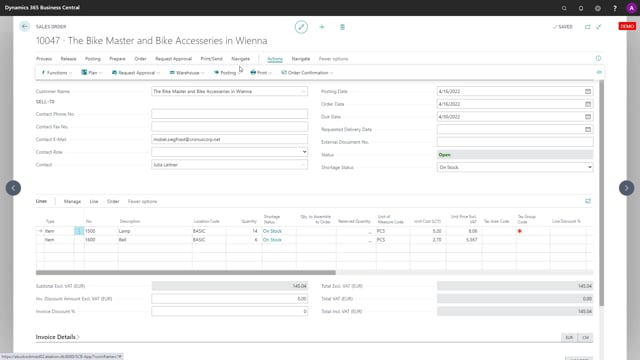
The setup is maintained on the report, but also used on single orders
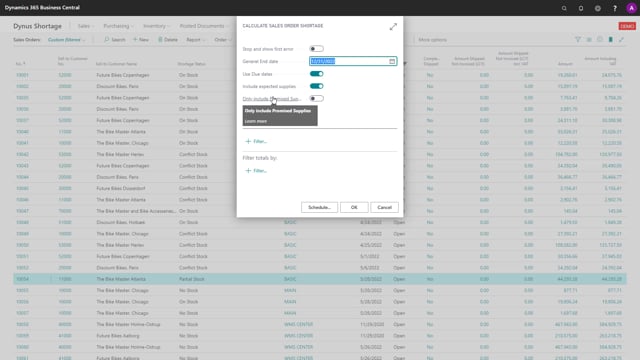
The field Use Due Date on the Calculate Shortage Reports
The fields Include Expected Supplies and Only include Promised Supplies on the Shortage Reports
Shortage on Demand Orders can integrate with the Assign Quantity App from App Store
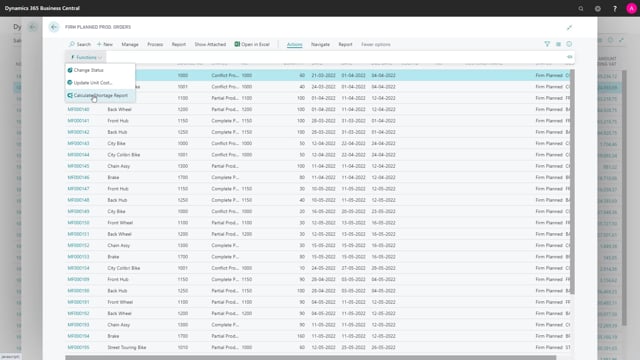
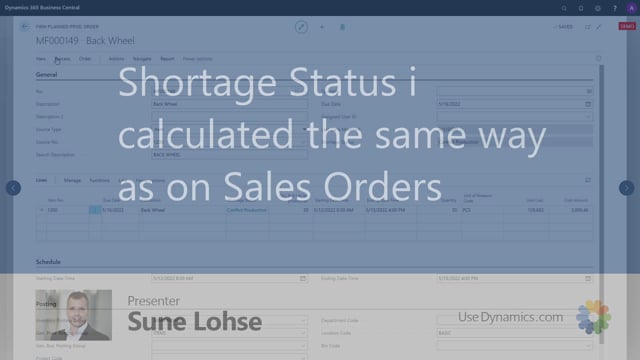
Shortage Status is calculated the same way as on Sales Orders
Calculating Shortage Status on single conflicting Production Orders before releasing and picking
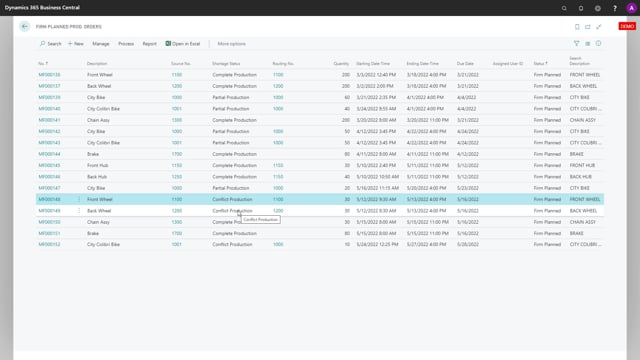
The Shortage status options are a little different on Production Orders than Sales Orders
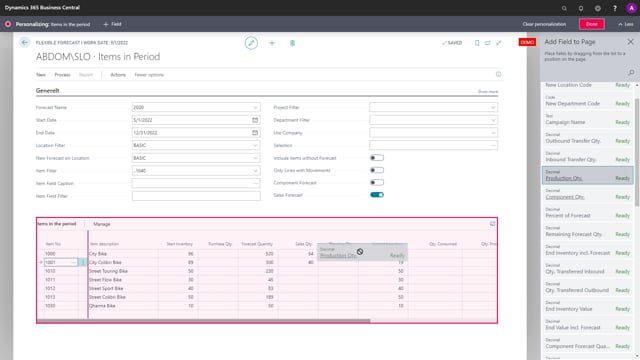
How to add columns to enrich the forecast view with information
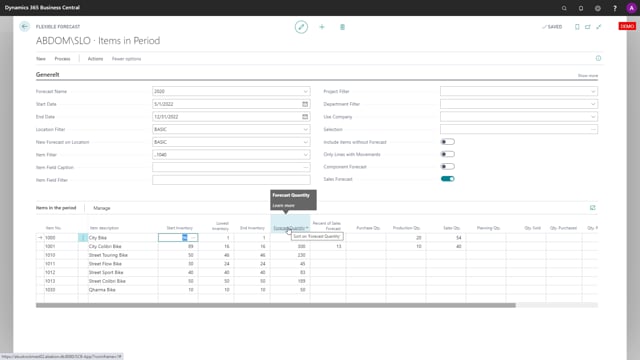
Understanding the extra detailed fields on the Flexible Forecast Lines
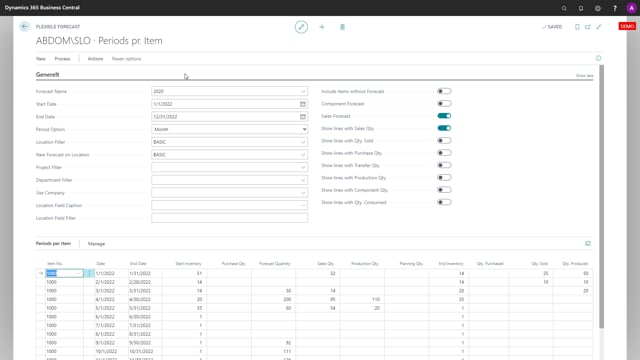
Expanding Flexible Forecast Lines per event
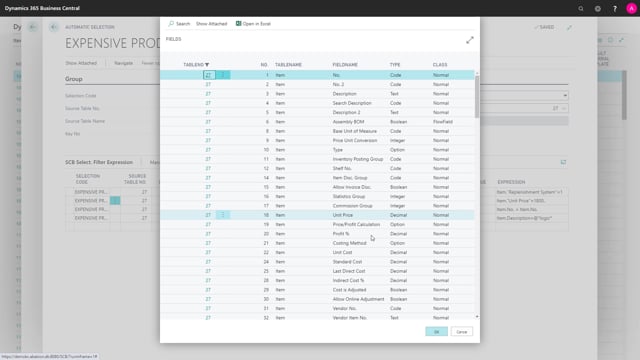
With Selections you can build automatic calculated views or store selected Items
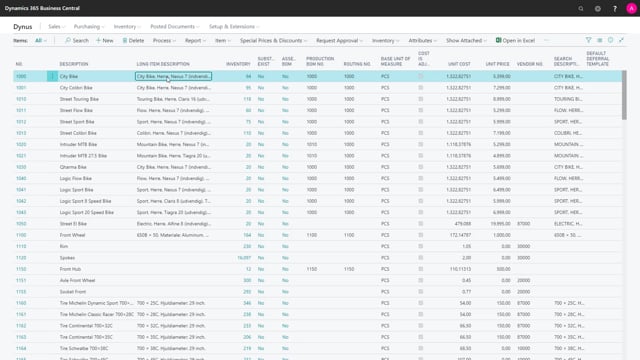
How to make simple Selections with selected Items
What is an Automatic Selection
How to setup an automatic Selection with filters on the Item table
Load More