Your User Guides for Microsoft Dynamics 365 Business Central
Business Central
Apps
About
Log in
Menu
Business Central
Apps
About
Log in
Tags
Videos tagged with "Beginner"
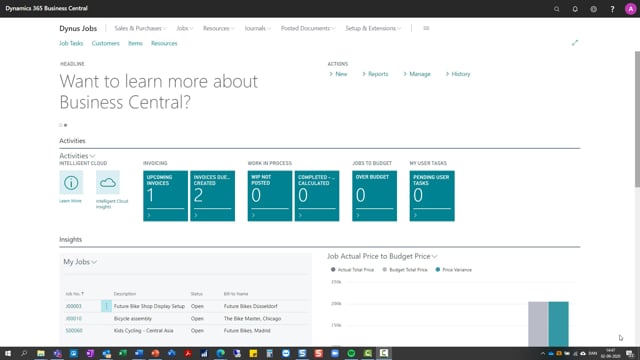
Jobs list
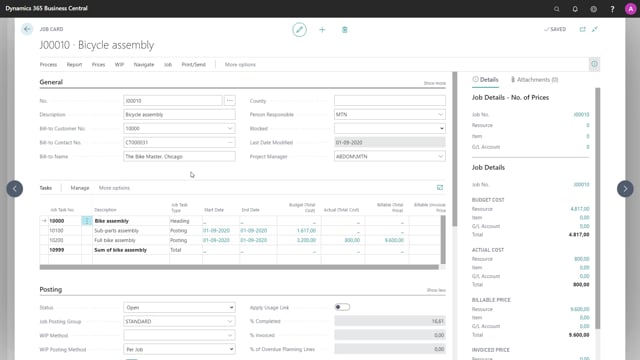
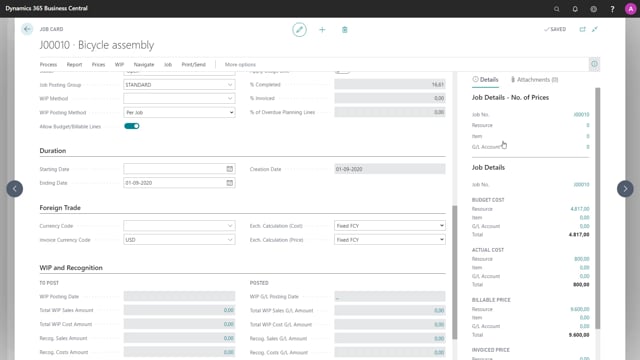
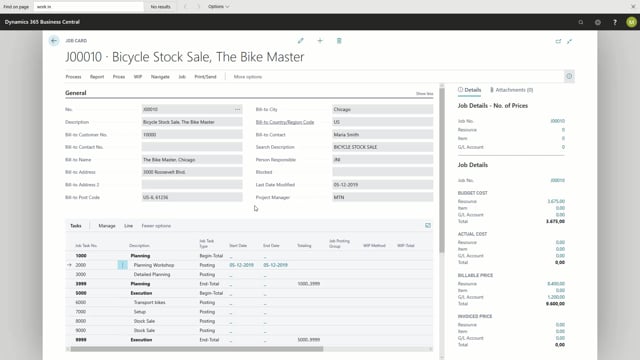
Job Card Overview
Job Card Fields
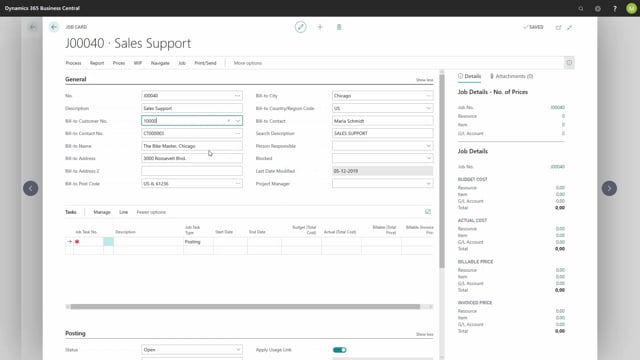
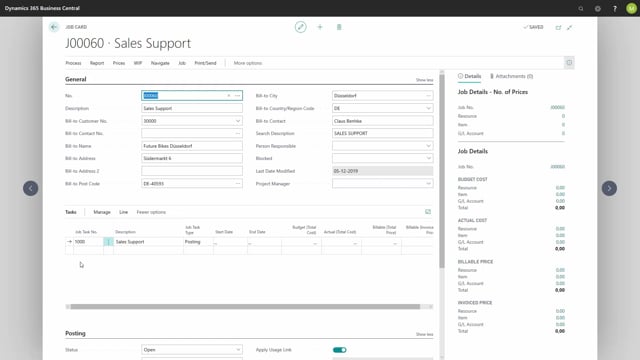
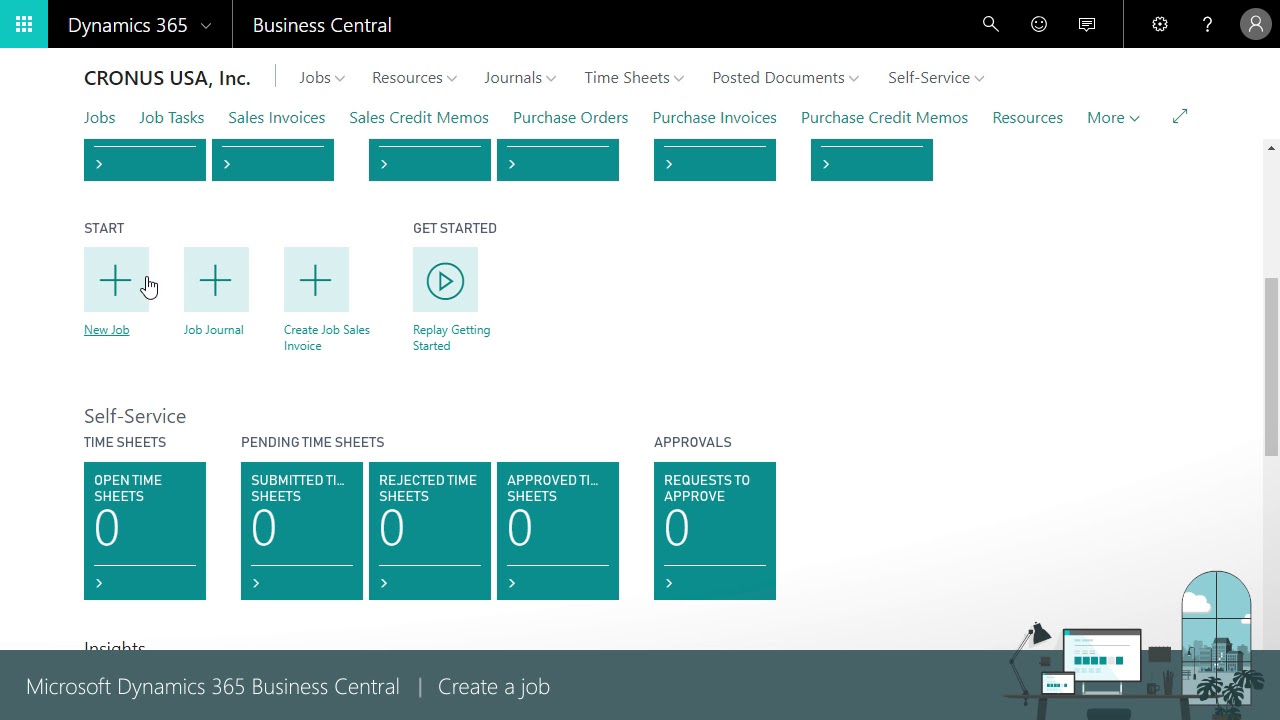
Create a job – simple
Create a job via assisted setup guide
How to create a job in Dynamics 365 Business Central
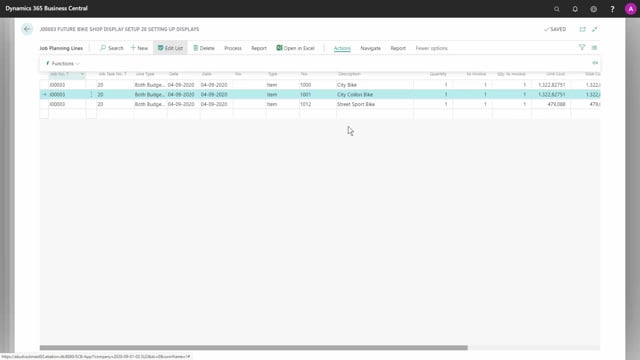
Create a job planning line – simple
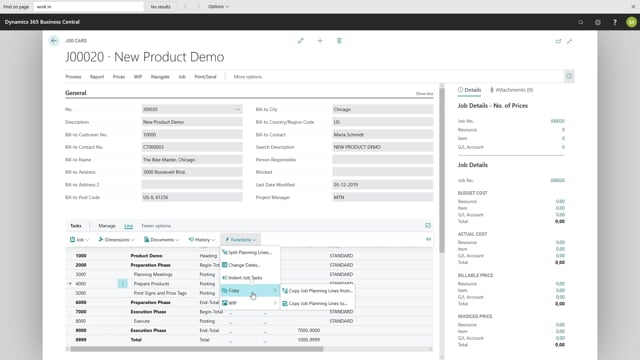
Create a job planning line via copy function
Register usage from job planning lines
Create job planning lines from usage entries
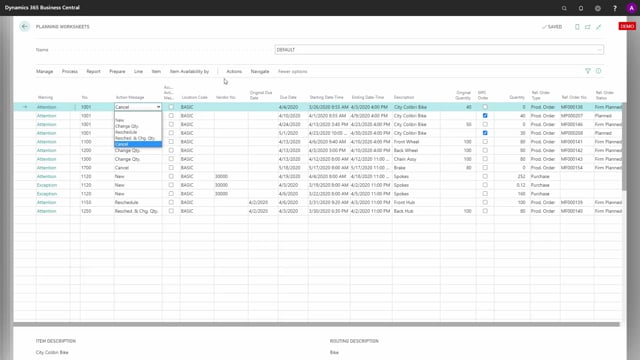
A Graphical Inventory profile, seen from Documents, Items or Planning Worksheets
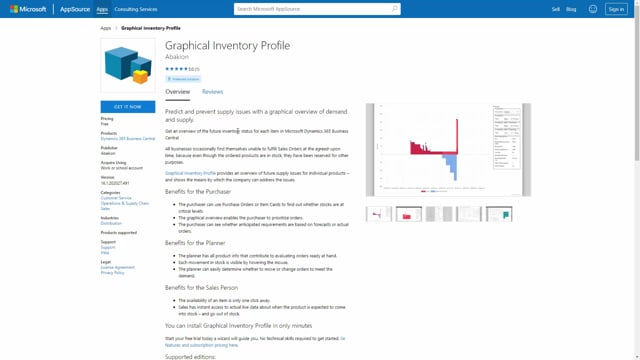
Free of charge and very easy to get started with
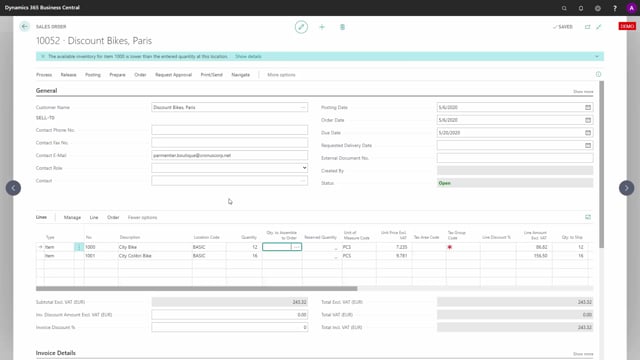
Using Graphical Inventory Profile on Sales Lines to see when an Item can be shipped
Using Graphical Inventory Profile to overview availability across multiple Locations
Using Graphical Inventory Profile on Purchase Lines to see all Items demands and supplies
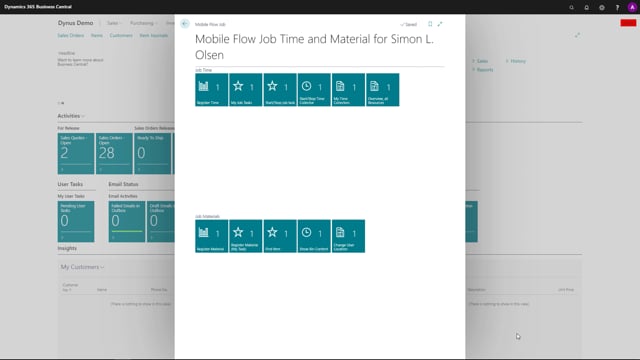
What is the concept of Job Mobile and Mobile Flows?
The Job Mobile Flows are gathering data while guiding the user through the proces
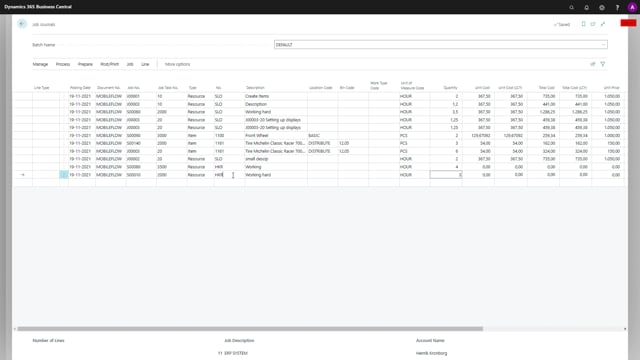
Logging Job registrations with a Business Central Ressource
Licensing Job Mobile with Microsoft with Device Users or Full Users
Job Mobile on Scanners, Smart Phones, Tablets or Computers
Load More