
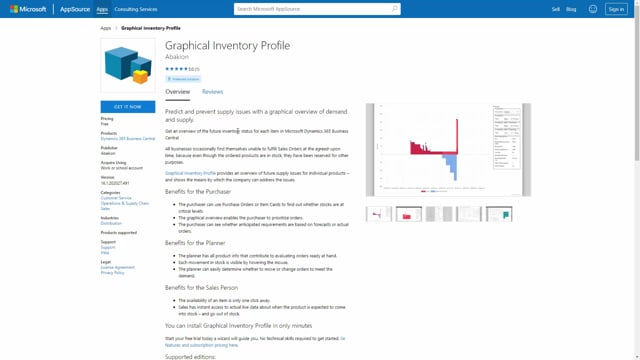


Graphical Inventory Profile is a free app for Microsoft Dynamics 365 Business Central. You find it on Microsoft AppSource, install it, and start using it without any setup. The app gives you a visual overview of how an item’s inventory develops over time, based on your supply and demand.
How to get the Graphical Inventory Profile app
The app is available on Microsoft AppSource, which makes it easy to get hold of. Go to AppSource, search for Graphical Inventory Profile, and you will find it right away.
Press Get It Now, and the app downloads to your Business Central environment. Once you activate it, it runs straight out of the box. There is no setup or configuration required before you can start using it.
A free tool for visualising inventory flows
The Graphical Inventory Profile app is free of charge. It helps you understand the different inventory flows and how they work together, so there is no reason not to use it.
Q&A
Where do I find the Graphical Inventory Profile app?
You find it on Microsoft AppSource. Search for Graphical Inventory Profile, press Get It Now, and it downloads to your Business Central environment.
Does the Graphical Inventory Profile app require setup?
No. The app runs out of the box with no setup. You just activate it and start using it.
What does the Graphical Inventory Profile app cost?
It is free of charge.