Your User Guides for Microsoft Dynamics 365 Business Central
Business Central
Apps
About
Log in
Menu
Business Central
Apps
About
Log in
Tags
Videos tagged with "Advanced"
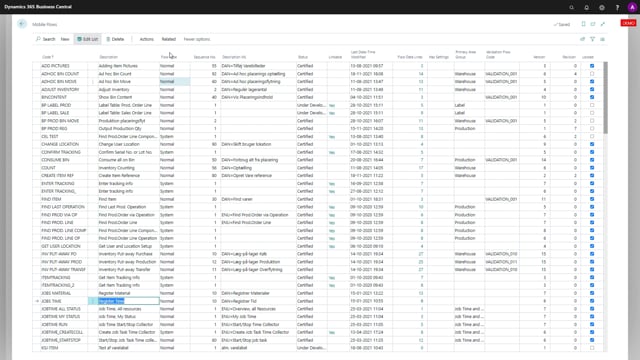
The Mobile Flows for Job Mobile is all defined through data setup
Adding or hiding specific Job Mobile Flows with the “deactivated” field per user
With dedicated Permission Groups you can setup which Job Mobile Flows that are available for specific users
Delete fields on the template after creation
Change of sequence number on fields and the consequences of it
How to set a filter on a template
Remove the validation of a field
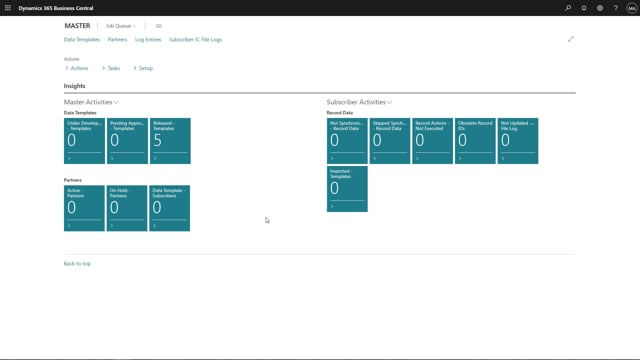
Assign a template to one or multiple partners
Assign a subtemplate to a normal template
Create a field template and assign it to templates
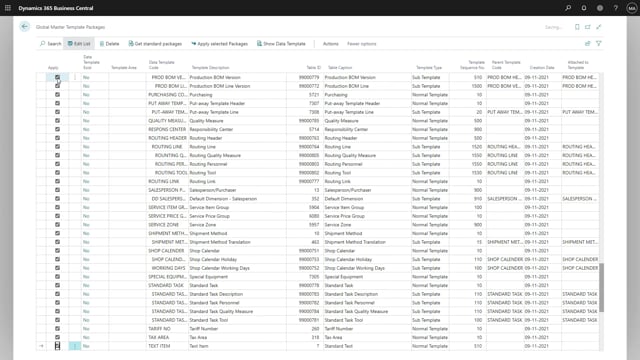
Export of templates to an XML-file
Import of templates from an XML-file
Release templates with status “Pending for approval” after applying templates
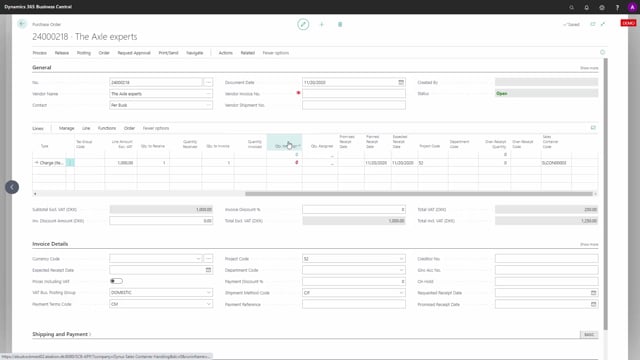
Adding Item Charges for Customs, Freight, Insurances, Harbour fees an other fees
Print Customs Tariff Specification on Sales Documents
Templates used at order action
Advanced fields on email templates
Prerequisite Setup in Business Central before using Document Handling
How to create a Blanket Sales Order
How to create a Sales Order from a Blanket Sales Order
Load More