Your User Guides for Microsoft Dynamics 365 Business Central
Business Central
Apps
About
Log in
Menu
Business Central
Apps
About
Log in
Tags
Videos tagged with "Intermediate"
Use the Master Data Import Worksheet to import and modify all kind of data
Example of a simple import of new Customers
Importing data to the basic table and Master Data Information with the same import
Master Data Import Worksheet can be used for all tables
Easy handling and correction of import errors
Standard Import Templates are generated when activating Master Data Information
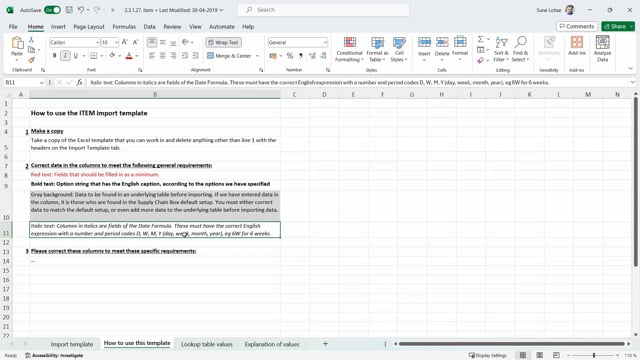
How to understand the Standard Excel Import Template Sheets and the order of Columns
How to understand and create a Master Data Import Template Card
Using the Information Matrix to overview and mass update data
Copying Items using Master Data Information
Copying Lot Numbers or Serial Numbers using Master Data Information
Use a Template strategy to Copy Items, Customers, Vendors, Lot- or Serial Numbers
Copy Master Data Actions when copying Lot Numbers or Serial Numbers
What is the purpose of Pop-up notifications?
Pop-up notifications on Sales Orders, for Salespeople
Manual Marking functionality on Items, Customers and Vendors
Introducing the Search Window with criterias and matches
Searching with need-to-have or nice-to-have criterias from Templates or Basic Data Tables
Viewing differences from search results and matches
Marking Items from the Order Matrix Window
Load More