
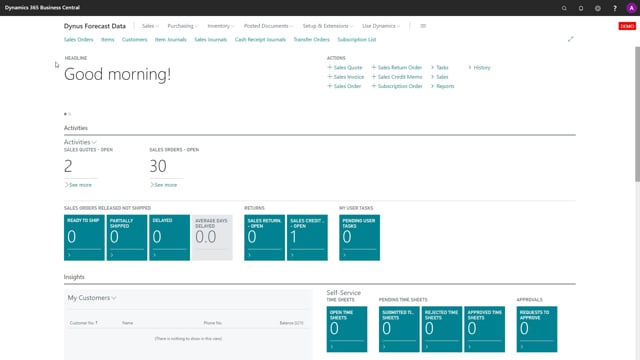


This is what happens in the video
Abakion’s Shortage On Demand Orders extension calculates shortage status across all your open sales orders. After installing it, you run a single report and it creates the default setup automatically. You do not need to configure anything manually before you start.
The report asks you for an end date for the year you want to work in. You can set the checkmarks you want, run the report, and it processes all your open sales orders. The shortage status then appears directly in the sales order list.
The setup you choose on the report is stored automatically per user, so it works out of the box from the first run.
Calculating sales order shortage with the on demand report
When you install Shortage On Demand Orders, there is no record and no setup to begin with. If you look at the demand setup straight after installing, it is empty. You do not need to create anything yourself first.
Instead, you just run the report that calculates sales order shortage. The report has a request page where you enter the end date of the year you want to work in. You can set whatever checkmarks you need in there, then run it. The report goes through all your open sales orders and calculates the shortage status for each of them.
Setup is created and stored automatically
Running the report does two things at once. It calculates the shortage status, and it stores the default setup automatically. That setup is exactly what you see on the request page for the specific user. In other words, the report maintains its own setup for you, so there is no separate configuration step to worry about.
Seeing the shortage status in the sales order list
Once the report has finished, the shortage status is calculated and ready to use. If you open the sales order list afterwards, you can see the shortage status already calculated and shown directly in the list. The whole flow works out of the box: install, run the report, and check the results.
Q&A
Do I need to configure setup before using Shortage On Demand Orders?
No. After installing, the demand setup is empty, but running the calculate sales order shortage report creates the default setup for you automatically.
How do I calculate shortage status for all my sales orders?
Run the report that calculates sales order shortage. Enter the end date of the year you want to work in, set any checkmarks you need, and run it. The report processes all your open sales orders.
Where can I see the calculated shortage status?
Open the sales order list. The shortage status appears directly in the list once the report has run.
Is the report setup saved for future use?
Yes. The setup you choose on the report is stored automatically for the specific user, so it carries over the next time you run it.