
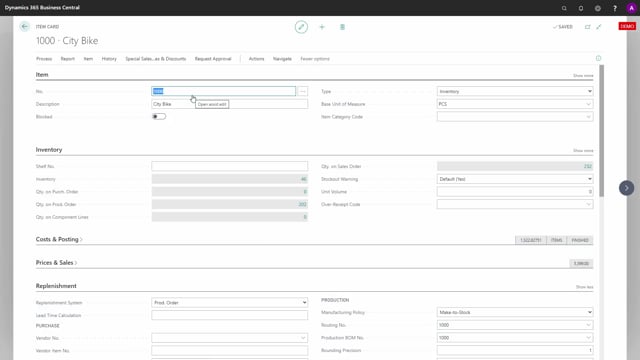


The graphical inventory app from Microsoft AppSource works straight out of the box. After installation, you can start using it without configuring anything. This article explains how to get the app running and how its default setup works in Business Central.
Once installed, the app creates a default setup automatically. The setup is remembered per user, so each user can adjust the view to suit their own preferences.
You find the graphical inventory profile on items, documents, and the other places where it is available. Each user can change the checkmarks in the setup as they prefer and click OK to apply.
Installing the graphical inventory app from AppSource
When you have installed the graphical inventory app from AppSource, it is basically ready to go. You do not need to perform any setup before using it.
You might want to reopen the client to be sure the app is up and running, but otherwise you can go straight to where you need it.
Where to find the graphical inventory profile
You can use the app on items, documents, and all the other places where the graphical inventory profile is available. When you open one of these places, the app creates a default setup for you.
Default setup is saved per user
The app comes with a default setup of all the checkmarks already in place. This setup is remembered per user, so your choices stay with your own profile.
You can change the checkmarks as you prefer and click OK. The app is then up and running. It works without any setup at all.
Q&A
Do I need to configure the graphical inventory app after installing it?
No. The app works without any setup. After installing it from AppSource, it creates a default setup automatically, and you can start using it right away.
Where can I find the graphical inventory profile in Business Central?
You find it on items, documents, and all the other places where the graphical inventory profile is available.
Are my settings shared with other users?
No. The setup is remembered per user, so each user can adjust the checkmarks to their own preferences without affecting others.
Should I reopen the client after installing the app?
You can reopen the client to be sure the app is up and running, but it is not strictly required.