
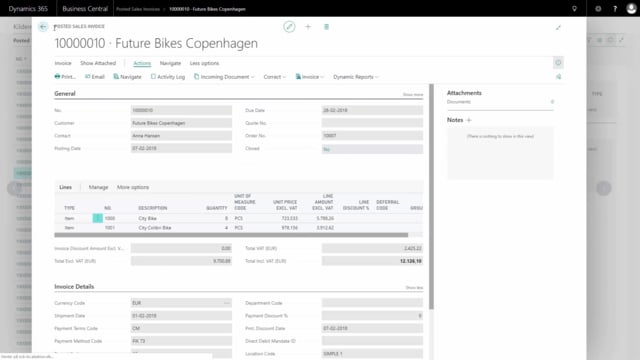


If you use document layouts in Business Central but don’t need every column, you can repurpose the unused ones to show information that matters to you instead. A common example is replacing the line discount percentage column with the VAT percentage on your sales and purchase documents.
You make this change in the Dynamic Reports setup. You don’t need to build a new report or involve a developer. You point the existing column at a different field, update the caption, and print the document to confirm the result.
Changing a column in Dynamic Reports
Start by searching for Dynamic Reports in Business Central. Mark your template, mark the document you want to change, and choose detailed setup.
From there, open the column setup and find the column you want to change. In this example, that’s the line discount column. Go into Actions and then Fields.
Now you can change the field the report is looking at. Instead of pointing the column at the line discount percentage, search for VAT percentage and select it. This updates the field number the column reads from.
Remember to change the caption as well, so the printed document shows the correct heading for the new column.
Verifying the result on the document
Go back and print the document. The column that previously showed the line discount percentage now shows the VAT percentage instead. In this example, both lines display 25 percent VAT.
This is a practical way to make your documents reflect the information your business actually uses, without leaving empty or irrelevant columns on the page.
Q&A
How do I replace the line discount column with the VAT percentage on a Business Central document?
Search for Dynamic Reports, mark your template and document, and choose detailed setup. Open the column setup, find the line discount column, go into Actions and Fields, and change the field from line discount percentage to VAT percentage. Update the caption and print the document to confirm the change.
Do I need a developer to change which field a Dynamic Reports column shows?
No. You can change the field and caption directly in the Dynamic Reports detailed setup without building a new report or involving a developer.
Why should I update the caption when I change a column’s field?
The caption is the heading shown on the printed document. If you change the column from line discount to VAT percentage but leave the old caption, the document will display the wrong heading. Updating the caption keeps the printed document accurate.