
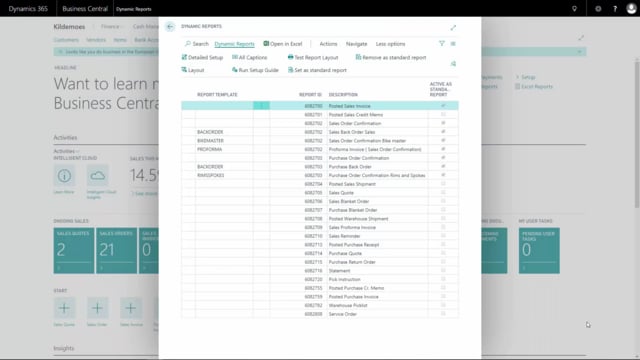


Adding a new column content template in your setup lets you control exactly what content appears in a column without affecting other templates. The key thing to know is that column content fields are shared across templates. If you change a field that is also used elsewhere, the change applies everywhere that field is used. To avoid unintended changes, create a dedicated column content template whenever you only need to adjust a single template.
How to add a new column content template
To add a new column content template, go into the detail setup and open the column setup. Give your new column template a name in the setup, and use the fields to define the actual content that should appear in the column.
Column content fields are shared across templates
Be aware that these fields are used across column templates. If one of these fields is also used in another column template, changing it here will change it there as well. The fields are not isolated to a single template.
Best practice for changing a single template
If you only need to change the content on one template, the best practice is to create a new column content template in the setup. That way you make your change in an isolated template and avoid affecting any other templates that share the same fields.
Q&A
How do you add a new column content template?
Go into the detail setup, open the column setup, give your new column template a name, and define the content under fields.
Why does changing a column content field affect other templates?
Column content fields are shared across column templates. If the same field is used in another template, your change applies there too.
What is the best practice when you only need to change one template?
Create a new column content template in the setup. This keeps your change isolated and prevents it from affecting other templates that use the same fields.