
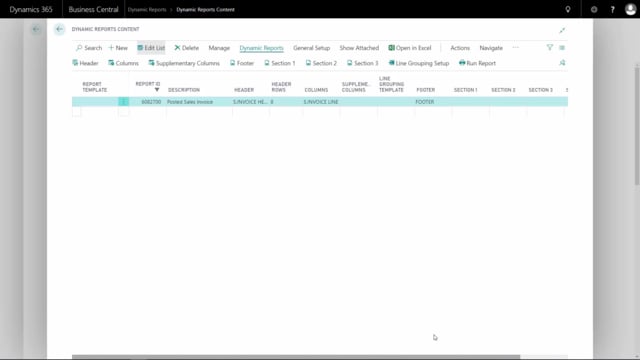


When you work with document templates in Business Central, the footer and the three content sections, section 1, section 2, and section 3, are all configured in exactly the same way. Once you understand how to set up one of them, you can apply the same approach to the others.
How the footer and sections are configured
The footer, section 1, section 2, and section 3 all share an identical setup method. Because the configuration is the same across all of them, there is no need to learn a separate process for each. This walkthrough focuses on the footer as the example, and the same steps apply directly to section 1, section 2, and section 3.
Q&A
Are the footer and the three sections set up the same way?
Yes. The footer, section 1, section 2, and section 3 are all configured using the same method. Once you know how to set up one, you can use the same steps for the others.