
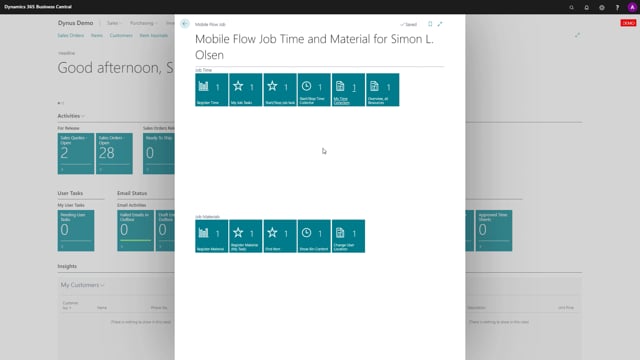


The “Overview Resources” flow in the time registration solution gives managers a real-time picture of all active time collectors across resources. You see which jobs your colleagues are working on right now and how long they have been running each timer.
You decide whether to make this flow available only to managers or to everyone. It is configurable.
What the Overview Resources flow shows
The flow displays all active time collectors across resources, so you get a quick overview of what everybody is doing. Each entry shows which resource is working, which job number they are running on, and how long the timer has been active.
For example, you can see that the colleague HKR is running on a specific job number and has been on it for 35 minutes. Another colleague has been running their timer for 34 minutes. You get the full picture in one view.
Use it as a manager overview
This is mainly useful as a management tool. If you want to see what your colleagues are doing at any given moment, the flow gives you that in a simple overview form. That is why it often makes sense to restrict it to managers, but the choice is yours.
Q&A
What does the Overview Resources flow do?
It displays all active time collectors across resources, so you can see which jobs your colleagues are working on right now and how long each timer has been running.
Who can access the Overview Resources flow?
You decide. The flow can be made available only to managers or to everyone, depending on how you configure it.
What information does each entry show?
Each entry shows the resource, the job number they are running on, and how long the timer has been active. For example, that HKR has been on a job for 35 minutes.