
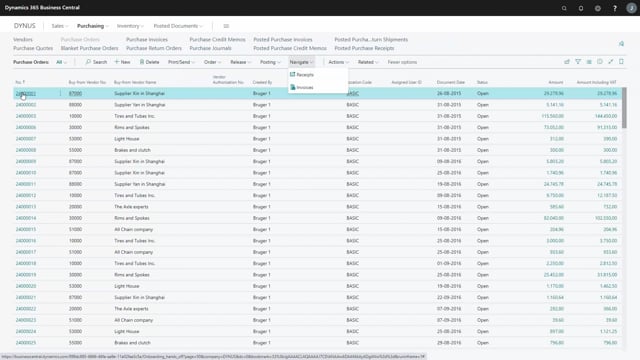


In Business Central, you can send emails to your vendors directly from several places within purchase order management. Instead of switching between the system and your mail client, you trigger the email straight from the document or worksheet you are already working in.
You can send mail to a vendor from a purchase order. You can also send it from a quote. The email function is available from the requisition worksheet, the planning worksheet, and the purchase management journal as well.
Send vendor emails directly from purchase documents in Business Central
Business Central lets you contact your vendors by email from multiple points in the purchase process. This keeps the communication tied to the relevant document and saves you from copying details into a separate mail.
You can send an email to a vendor from these places:
- The purchase order
- The quote
- The requisition worksheet
- The planning worksheet
- The purchase management journal
Because the function works the same way across all of these locations, you can reach out to a vendor whenever it makes sense in your workflow, whether you are creating a quote, planning purchases, or finalising an order.
Q&A
Where can you send vendor emails from in Business Central purchase order management?
You can send emails to a vendor from the purchase order, the quote, the requisition worksheet, the planning worksheet, and the purchase management journal.
Why send emails directly from a purchase document?
Sending the email straight from the document keeps the communication connected to the relevant purchase and means you do not have to switch to a separate mail client or copy details manually.