


When you run a master data setup across multiple Business Central companies, you need a way to verify that renaming and deleting records on your subscriber companies actually worked. The Global Master Record Actions page in Business Central gives you that overview. It lists every record action received from the master company and shows you which ones executed successfully and which ones failed.
Deletions fail when standard Business Central validations block them. For example, a customer or vendor account cannot be deleted if its balance is not zero. The page shows you exactly where execution went wrong so you can act on it.
Verifying record actions on a subscriber company
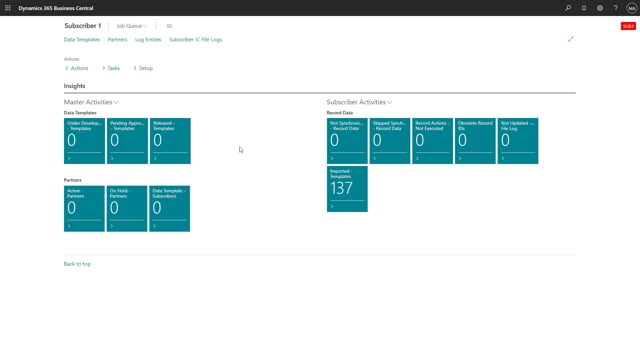
On a subscriber company, you sometimes need to check whether the renaming or deletion of record data sent from the master company completed successfully. To do this, go to the Global Master Record Actions page from the role center.
The page shows a list of the record actions the subscriber company received from its master. You can see at a glance that many of them have been executed successfully, while others carry an error check.
Why some deletions fail
The error checks come from standard Business Central validation. When the system tries to delete a record, it applies the same rules it would apply to any manual deletion.
A common example is an account with a balance. Business Central will not let you delete an account where the balance must be zero before deletion is allowed. If the balance is not zero, the delete action fails and the error is recorded.
Using the overview to troubleshoot
The Global Master Record Actions page is a view that lets you see whether each action went right or wrong during execution. That makes it straightforward to spot which records still need attention and what is blocking them.
Q&A
How do I check whether record renaming or deletion from the master company succeeded?
On the subscriber company, open the Global Master Record Actions page from the role center. It lists every record action received from the master and shows which ones executed successfully and which ones failed.
Why does a record deletion fail on a subscriber company?
Deletions fail when standard Business Central validations block them. For example, an account with a balance cannot be deleted because the balance must be zero before deletion is allowed.
What does the error check on the Global Master Record Actions page mean?
The error check comes from standard Business Central validation. It tells you that the action could not be completed and shows you where execution went wrong, so you can correct the underlying issue.