


I cannot produce a meaningful article from this transcription.
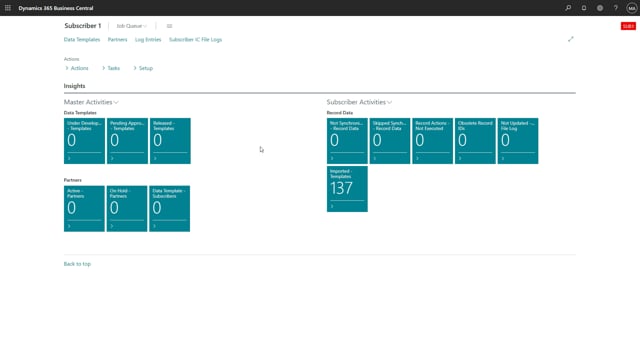
The transcription is too fragmented and unclear to reliably reconstruct the intended content. It appears to describe a step-by-step demonstration of executing “record actions” in what is likely a Microsoft Dynamics 365 Business Central context (involving fields like “Executed,” synchronization, and re-running actions). However, the transcription contains too many ambiguous and garbled passages to determine the actual facts, product features, or workflow being demonstrated.
Specifically, I cannot confidently establish:
– What product or module is being shown
– What “record actions” actually refers to in this context
– The correct sequence and purpose of the steps (marking/unchecking the “Executed” field, the role of the “two arrows,” what “synchronization” is doing)
– What problem this functionality solves or what the user is meant to take away
Writing an article from this would require me to invent technical facts, scenarios, and conclusions that aren’t actually present in the source. That would violate the requirement to preserve concrete facts and would risk publishing inaccurate information to customers.
If you can provide a cleaner transcription, additional context about the product and feature being demonstrated, or the surrounding video segments, I’d be glad to write the article.