
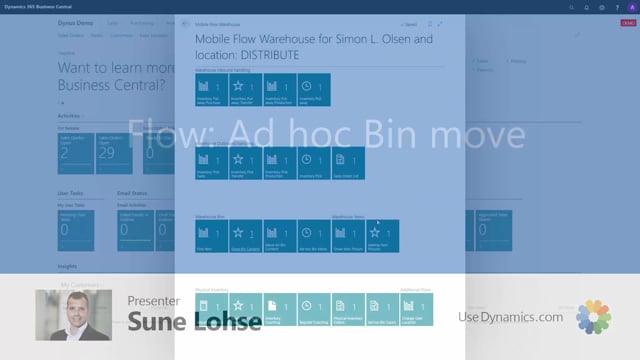


The ad hoc bin move function in your warehouse solution lets you move a specific quantity of one item from one bin to another. You enter the bin you are moving from, the item number, the quantity, and the destination bin, then register the move. The function loops automatically so you can register several moves in a row, and you end the flow by declining the next registration. After the move, the bin content on the destination bin shows the quantity you moved.
What the ad hoc bin move function does
The ad hoc bin move is built for moving one item in a specific quantity from one bin to another. It is a quick way to handle a single relocation without setting up a larger movement document.
A practical example of moving items between bins
Say you look at bin code 12.03, where you have four items. You want to move item number 1900, specifically 2 of the 8 pieces, to another bin. You decide to move it to bin code 12.04, which is currently empty.
To do this, you start an ad hoc bin move and:
- Enter the bin code you are moving from
- Enter the item number, by typing it in or scanning it
- State how many pieces you want to move
- Enter the bin code you are moving to
- Register the move
Registering several moves in one session
After you register a move, the function loops back to the start. This is intentional, because the flow is meant for doing many registrations when you are moving items around between bins. When you are done, you simply decline the next registration, and the flow ends.
Checking the result on the destination bin
Once you have completed the move, you can check the bin content on the bin you moved to. In the example, bin code 12.04 now shows the two pieces that were moved to it.
Q&A
What is the ad hoc bin move function used for?
It is used to move one item in a specific quantity from one bin to another bin.
What information do you need to enter for an ad hoc bin move?
You enter the bin code you are moving from, the item number (typed or scanned), the quantity to move, and the destination bin code. Then you register the move.
Can you register more than one move at a time?
Yes. After each registration the function loops back, so you can make several moves in a row. You end the flow by declining the next registration.
How do you confirm that the items were moved correctly?
You look at the bin content on the destination bin. It will show the quantity that was moved to that bin.