
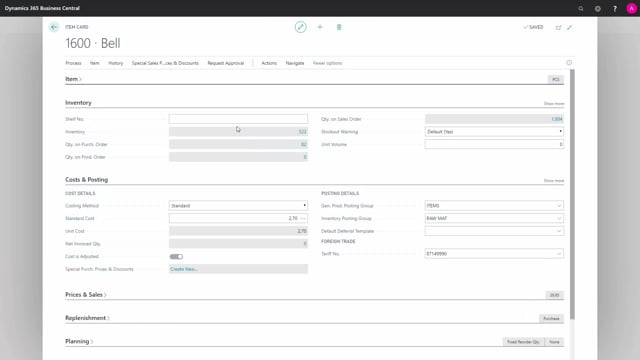


In Business Central, a floating bin is simply a bin that is not marked as dedicated, default, or fixed. Understanding how to spot one helps you set up your warehouse logic correctly and decide where items can be placed.
You identify a floating bin by checking the bin content on an item. If a bin line has no checkmark in the Fixed, Default, or Dedicated fields, it is a floating bin. You can use it for whatever the bin type allows, but it has no special role beyond that.
What a floating bin is in Business Central
The term floating bin describes any bin in Business Central that is not dedicated, default, or fixed. It is a general-purpose location with no special assignment.
How to identify a floating bin from the bin content
To see whether a bin is floating, open the bin content on an item. Look at each bin line and check the Fixed, Default, and Dedicated columns. When none of those fields are checked, the bin is floating. It can hold whatever the bin type accepts, but it is not reserved for any particular purpose.
Q&A
What is a floating bin in Business Central?
A floating bin is a bin that is not marked as dedicated, default, or fixed. It can be used for whatever the bin type allows, with no special assignment.
How do you tell if a bin is a floating bin?
Open the bin content on an item and look at the bin lines. If a line has no checkmark in the Fixed, Default, or Dedicated fields, it is a floating bin.